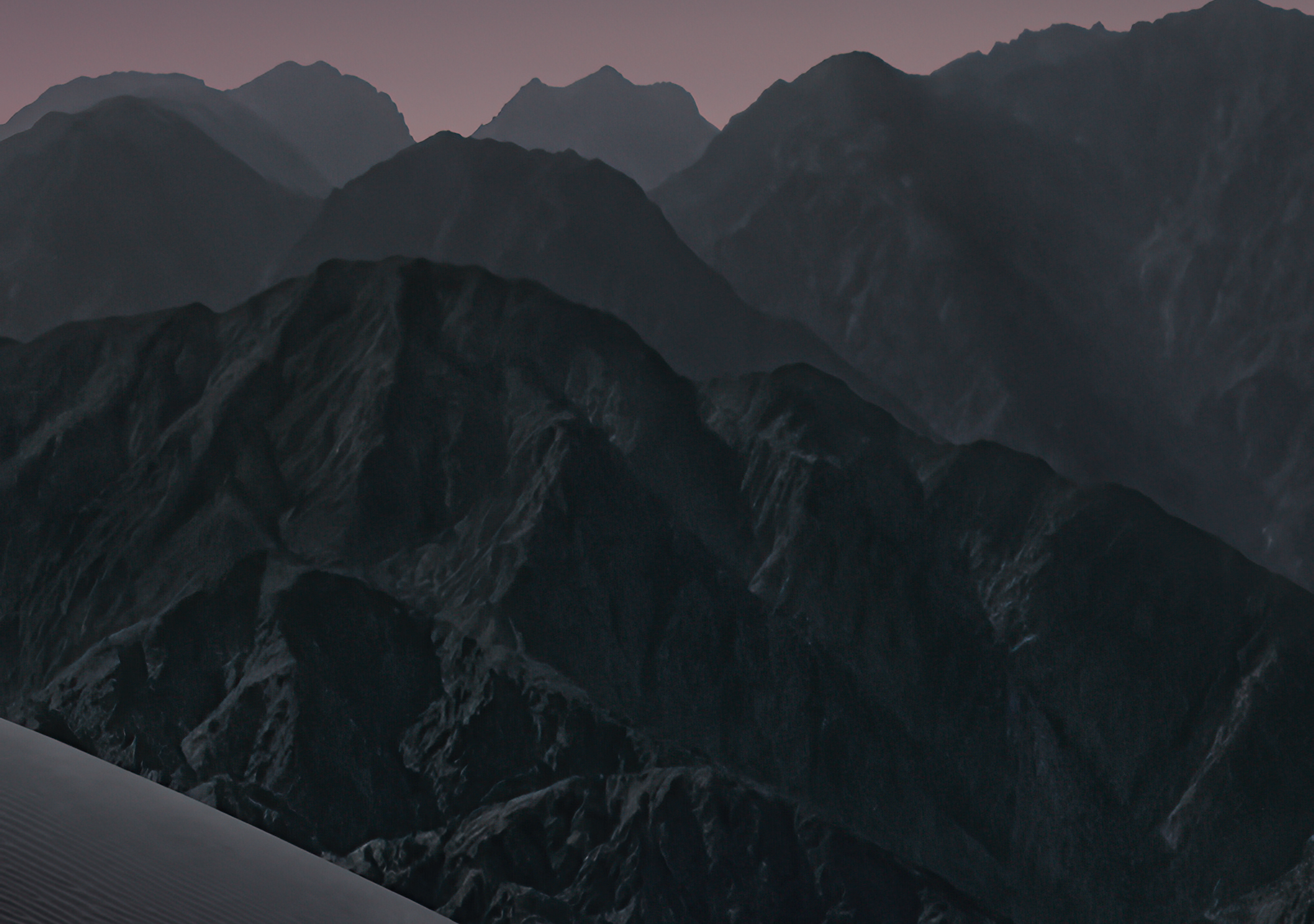
Light Collection
iPhone Duo (Light)
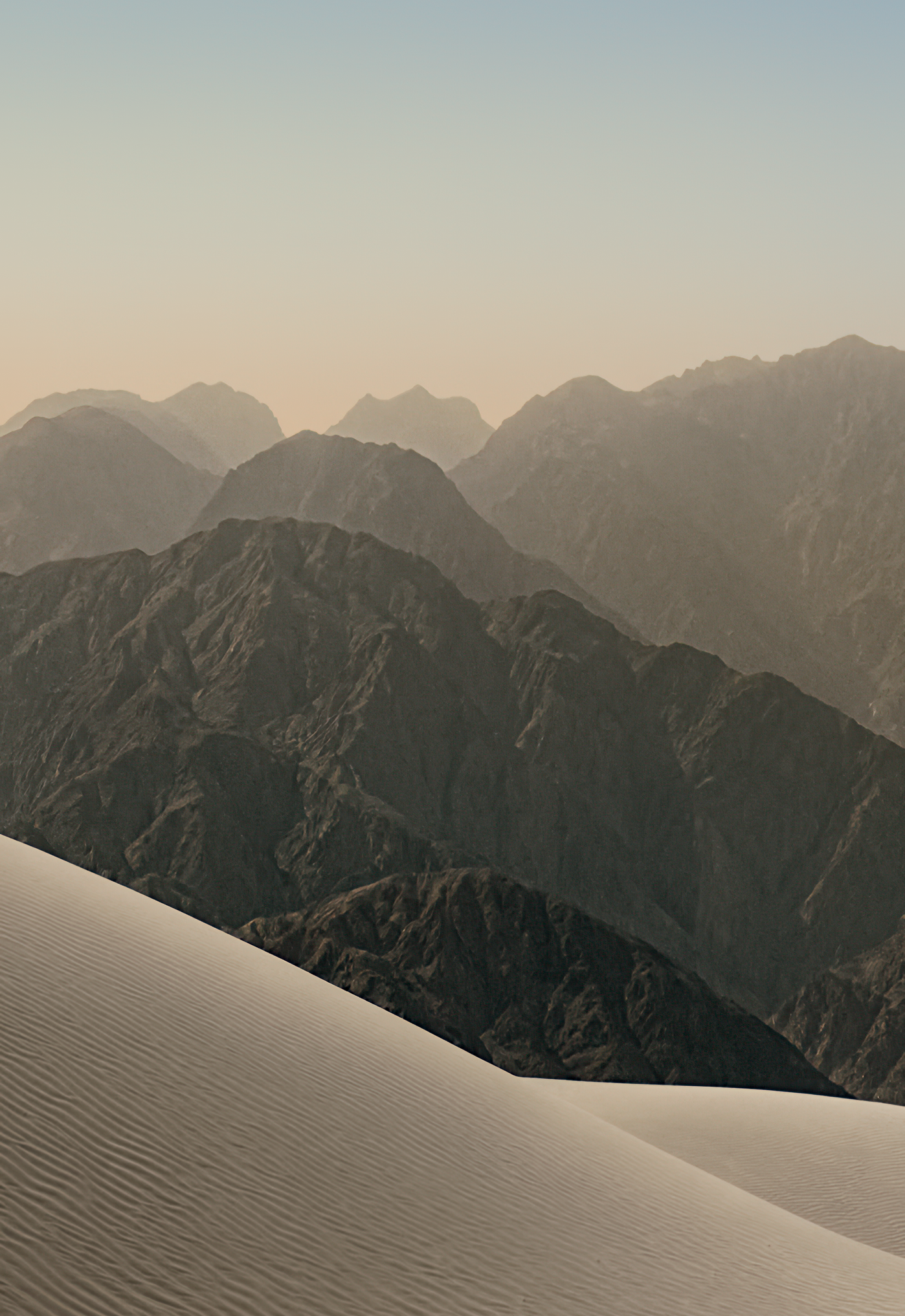
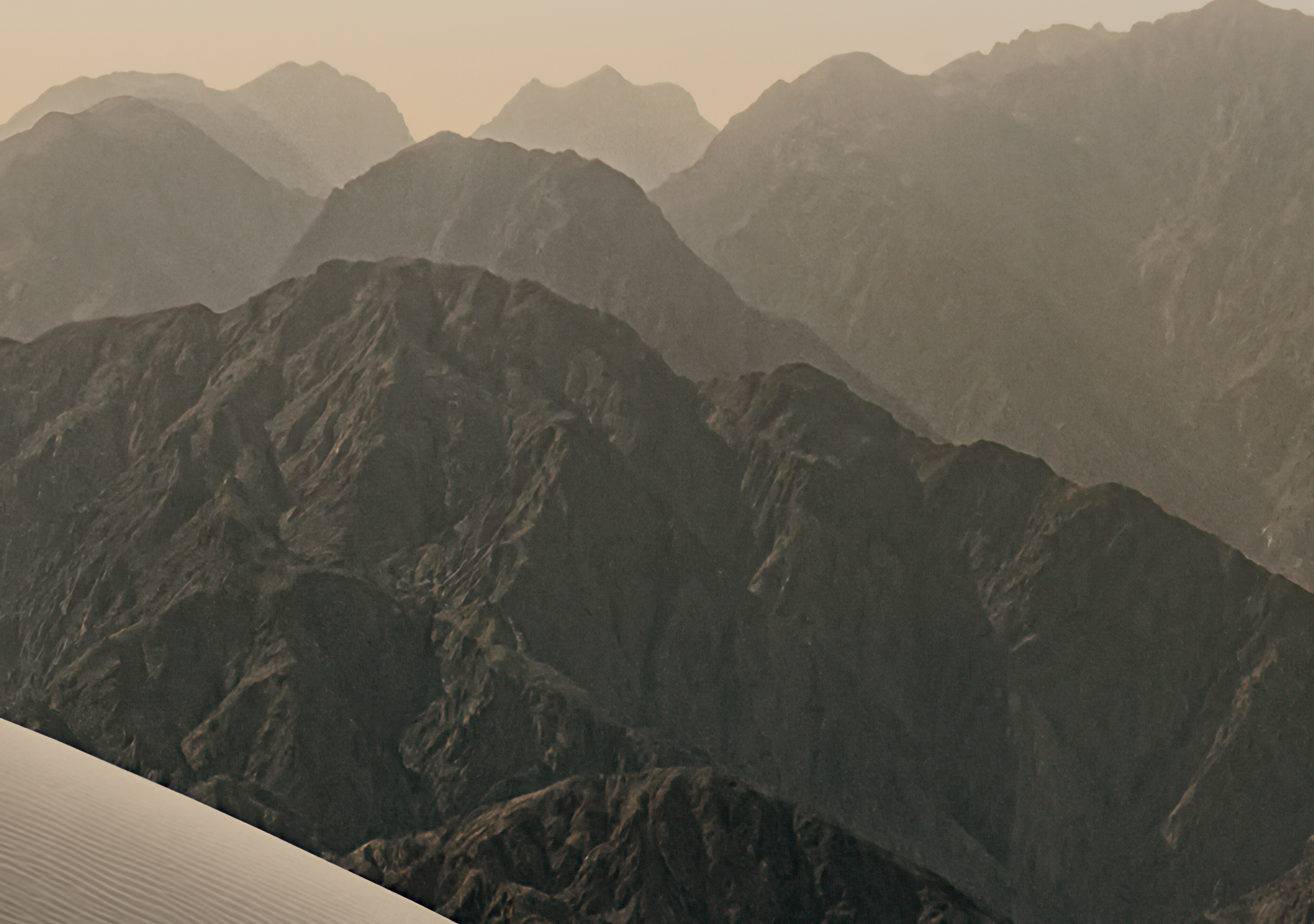
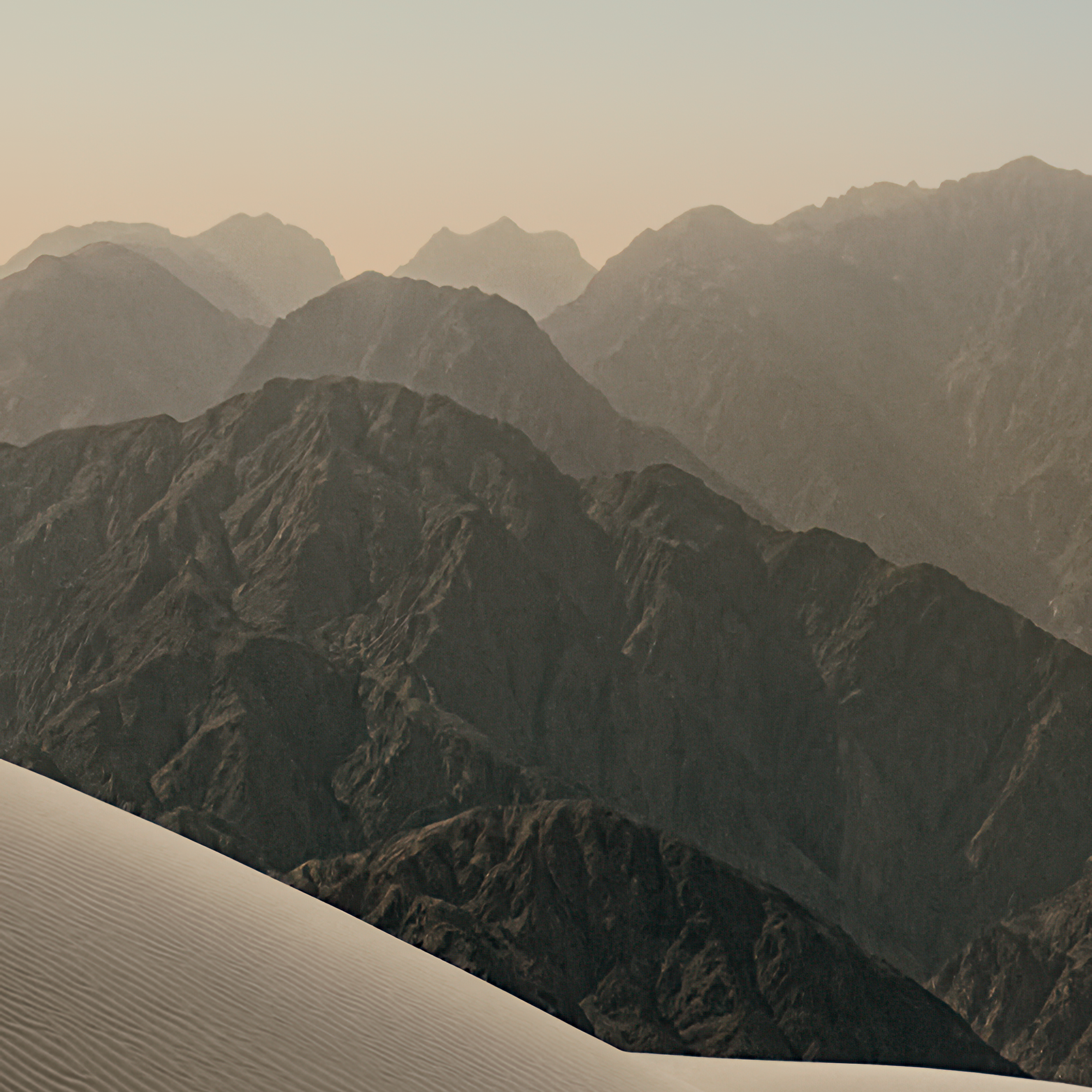
Warm sand dunes and layered mountain ridges beneath a pale blue sky.
Download free iPhone Duo wallpapers for cover and inner displays. Choose light or dark, save a PNG or ZIP pair, and start without signing up.
Illustrative preview at the wallpaper aspect ratio. Frame, controls, and decorative texture are not a calibrated reproduction of the device.
Current View: Cover Display (1398 × 2034 px · 1:1.455 Ratio) — iPhone Duo (Light)
Each ZIP pairs a cover crop with an inner crop of the same source image.
Two wallpaper styles with center-cropped PNG exports for cover, inner, and square layouts.
Independent collection. Apple factory-wallpaper provenance is unverified. Light and Night are labels used on this site. About these downloads
No matching wallpapers found
Try a different search or select All Editions.
Light Collection
Warm sand dunes and layered mountain ridges beneath a pale blue sky.

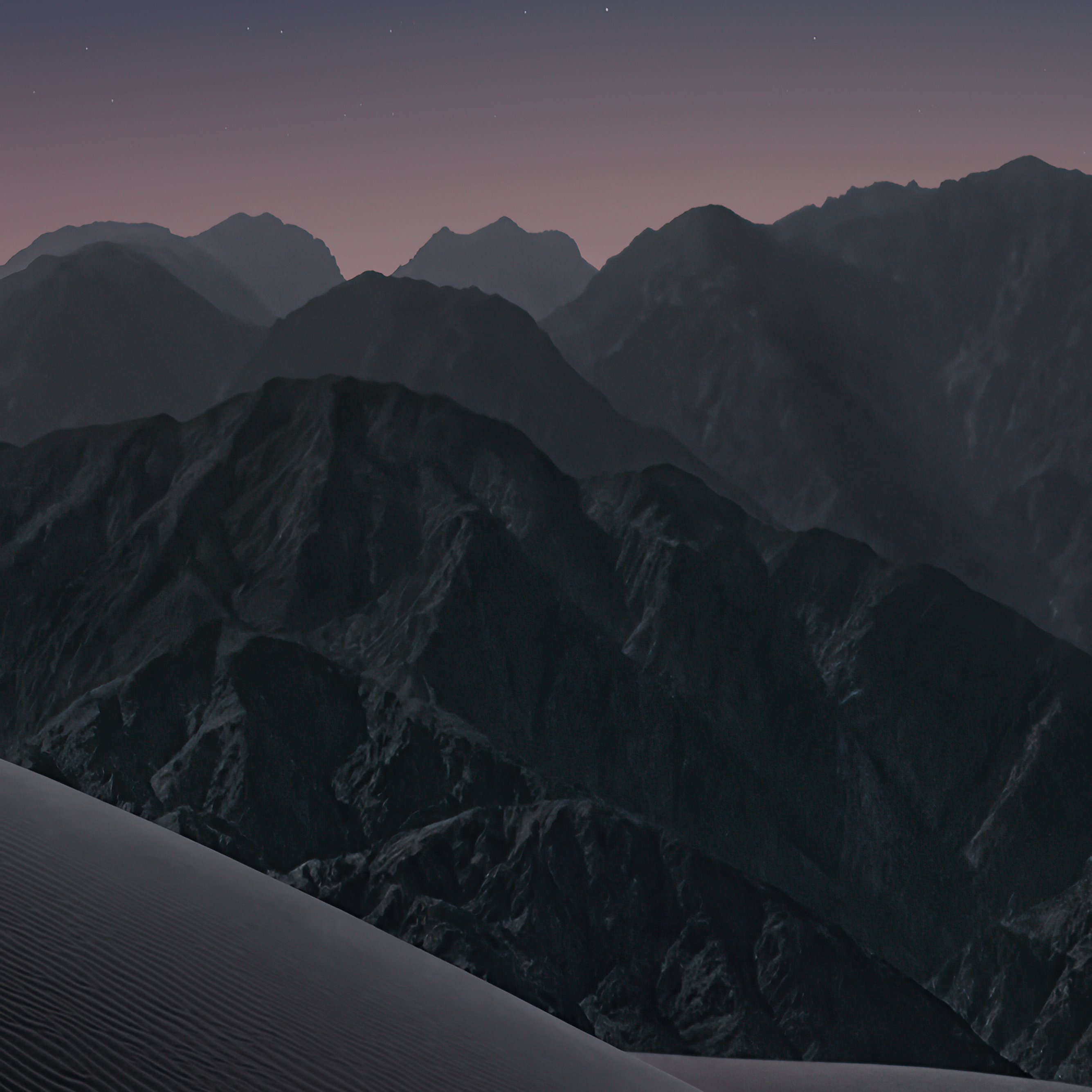
Dark Collection
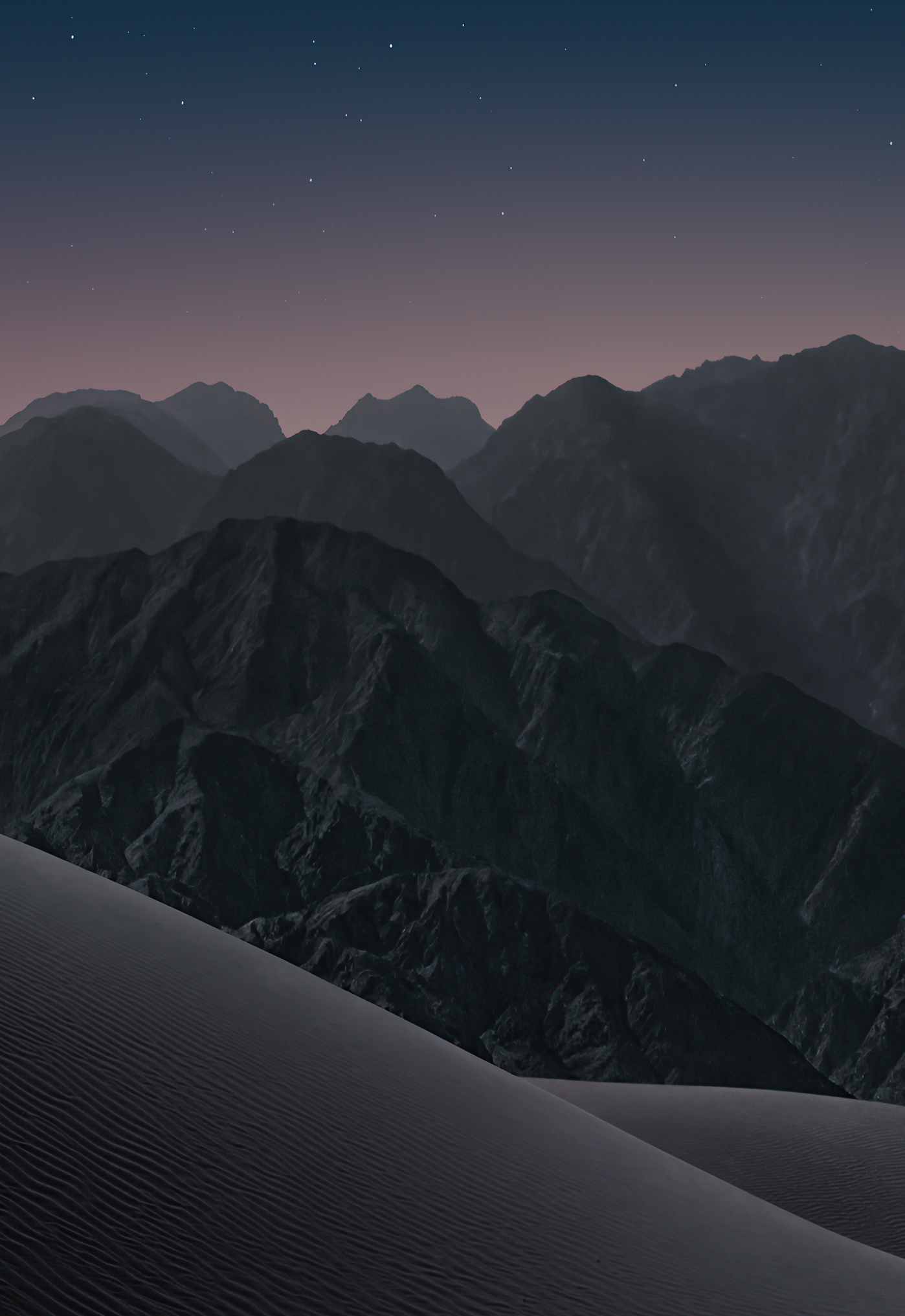
Dark sand dunes and mountain ridges beneath a starry blue night sky.
Hardware specifications from Apple’s technical specifications and product overview. Reviewed September 9, 2026.
Apple lists 7.58-inch inner and 5.36-inch outer diagonals when measured as standard rectangles; rounded corners reduce the actual viewable area. Both screens support Dynamic Island, Always-On display, and ProMotion up to 120Hz. Dynamic Island is a display feature, not a specification for a camera cutout.
| Specification | Cover Display (Closed) | Inner Folding Display (Unfolded) |
|---|---|---|
| Diagonal Screen Size | 5.4‑inch (diagonal) all‑screen OLED | 7.6‑inch (diagonal) all‑screen OLED folding display |
| Native Pixel Resolution | 1398 × 2034 pixels | 2670 × 1878 pixels (landscape) / 1878 × 2670 (portrait) |
| Pixel Density (PPI) | 460 ppi | 430 ppi |
| Aspect Ratio | ≈ 1 : 1.455 (width : height) | ≈ 1.422 : 1 (landscape width : height) |
| Glass / Surface Finish | Ceramic Shield 2 front cover | Nano-texture anti-reflective matte finish |
| Front Camera | 12MP Center Stage camera | Under-display FaceTime camera |
| DuoWallpaper Export Sizes | 1398 × 2034 px (center crop) | 2670 × 1878 px; optional 2670 × 2670 square crop |
The guide marks X = 1335px, the midpoint of a 2670px-wide image. Use it as an optional composition reference. It does not define an Apple safe zone or predict fold visibility.
A square image provides room for landscape and portrait crops. Our 2048×4096 source images are center-cropped and resized; inner and square exports are upscaled. Cropping changes composition, and upscaling does not add original detail.
Both displays support P3 wide color, 1000 nits typical maximum brightness, 1600 nits HDR peak, and 3000 nits outdoor peak. Our downloadable PNGs use sRGB; screen capability does not change a file’s color space.
PNG exports are sRGB and center-cropped. Inner and square files are upscaled; the on-page device preview can show a different composition from the download. Review image rights before reuse.
DuoWallpaper exports 1398×2034 cover, 2670×1878 inner, and 2670×2670 square PNGs. ZIP pairs contain cover and inner crops of the same image. These are site export options, not Apple wallpaper specifications.
The source images were obtained from a third-party host. Their status as Apple factory wallpapers has not been verified. Light and Night are site labels, not verified Apple wallpaper names.
X = 1335px marks the midpoint of a 2670px-wide image. It is a composition reference, not an Apple-defined safe zone. It does not guarantee that subjects or lock-screen controls avoid the fold.